PPPoker Bot Download and Setup on Android and LDPlayer
This page walks you through installing PPPoker AI Software on an Android phone and inside the LDPlayer emulator on Windows. On a phone the whole setup is a few taps; on LDPlayer you configure the instance first (720 x 1280, 2 cores, 3072 MB) and then install the assistant inside it. The PPPoker build from Google Play does not work with the assistant, so the guide starts with removing it.
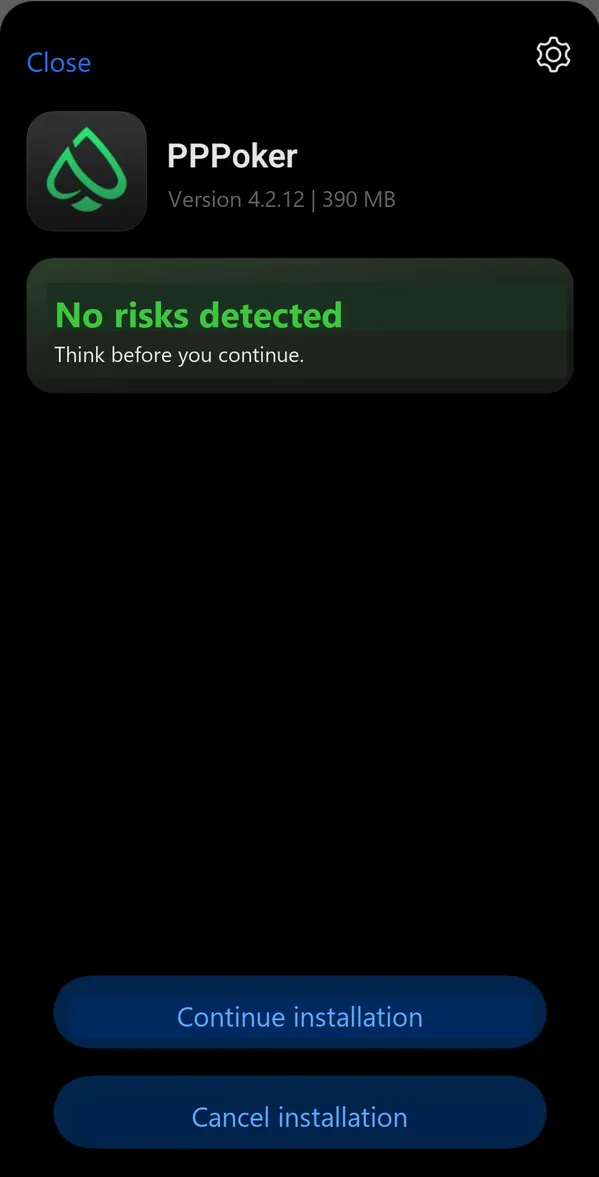
PPPoker AI Software download in short
PPPoker AI Software is downloaded from the official link on this page, installed on Android or in LDPlayer (720 x 1280, 2 cores, 3072 MB per instance), and then installs its own PPPoker build after you enable PPPoker with the slider. Root is needed only for the autoclicker in the emulator. New players can ask support for free trial fuel, so the first hands cost nothing.
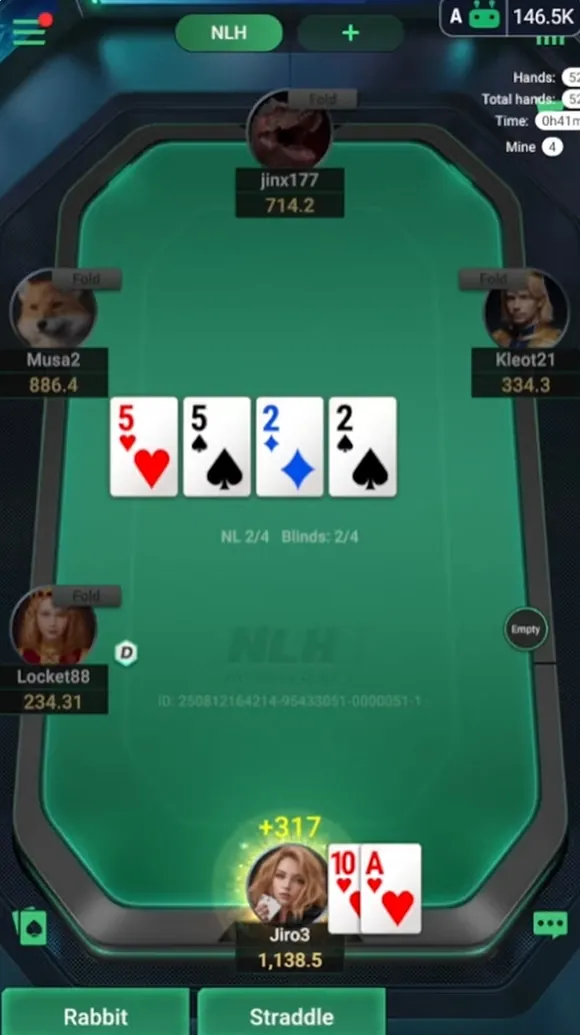
What the assistant needs to run
The assistant supports two environments. Everything else, including iOS and a native Windows client, is not available.
| Requirement | Android phone | LDPlayer on Windows |
|---|---|---|
| Device | Any Android phone that runs PPPoker | Windows PC with the LDPlayer emulator |
| Emulator instance | Not needed | Mobile mode, 720 x 1280, 2 CPU cores, 3072 MB RAM |
| Root | Not needed | Only for the autoclicker |
| PPPoker app | The build installed through the assistant | The build installed through the assistant |
| Formats | NLH, PLO4, PLO5, PLO6, Short Deck, MTT, SNG, AoF, HU, OFC | Same |
The counters in the screenshot, hands played, total hands and time, appear as soon as the assistant sees a PPPoker table, which is the quickest way to confirm the setup worked.
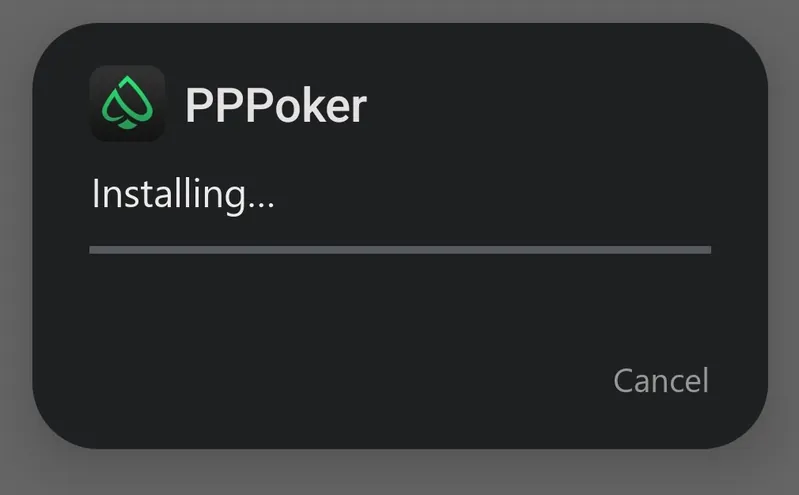
Install on an Android phone
Six steps, in this order. Skipping the first one is the most common reason the assistant later ignores the table.
- Remove the Google Play version. Uninstall any PPPoker app you installed from Google Play.
- Download the assistant. Use the download button on this page and install the file. Android will ask you to allow installs from this source.
- Create an account. Open the app and register with your phone number or email address, then set a password.
- Enable PPPoker. Find PPPoker in the list of supported platforms and switch the slider on. Tap Reinstall when the app asks.
- Install the PPPoker build. Pick the server closest to you and install the PPPoker build that the assistant offers.
- Start playing. Open the assistant first, check that the PPPoker slider is on, then launch PPPoker and sit at a supported table. The first prompt appears on your first decision.
Install on LDPlayer for Windows
LDPlayer lets you run the assistant on a PC and open more than one PPPoker window. Configure the emulator before you install anything inside it.
- Install LDPlayer from its official website and open LDMultiPlayer, the window manager that comes with it.
- Tune performance. In the LDMultiPlayer settings set the frame rate to 20 FPS and turn on the option that uses fewer GPU and memory resources.
- Set the instance. Mobile mode, resolution 720 x 1280, 2 CPU cores, 3072 MB of RAM.
- Enable root in the instance settings if you plan to use the autoclicker. Leave it off if you will press the buttons yourself.
- Install the assistant inside the emulator and register an account.
- Confirm the code sent to your phone or email. If the email does not arrive, look in the spam folder.
- Enable PPPoker in the platform list and install the PPPoker build, exactly as on a phone.
Several PPPoker windows on one PC
PPPoker shows up to three tables at once inside one copy of the app. Each LDPlayer instance is a separate phone, so a second instance means a second copy of the assistant and a second PPPoker build, each with its own settings. Keep every instance at 2 cores and 3072 MB; two or three instances are comfortable on an ordinary desktop, and the 20 FPS setting keeps background windows from eating the CPU.
One warning that matters more than any setting. Clubs and PPPoker treat one person with several accounts at the same table as multi-accounting, and that is a ban with the chips kept by the club. Use extra windows for extra tables in different games, never for extra seats at the same one. The assistant tracks stats per opponent, not per account, so there is no upside in it anyway.
If you come from desktop bots, note the difference: a Warbot download page asks you to install the bot, apply stealth, configure Windows and configure your poker room before you run it. Inside the PPPoker ecosystem there is no Windows client to configure; the assistant lives next to the Android build of the room.
Errors and fixes
The problems below cover almost every support ticket about setup. Try the fix before writing to support; if it does not help, send a screenshot of the table and the assistant's platform list.
| Problem | Cause | Fix |
|---|---|---|
| No prompts appear at the table | PPPoker was opened before the assistant | Close both, open the assistant first, check the PPPoker slider, then open PPPoker |
| PPPoker runs but the assistant ignores it | The Google Play build is installed | Remove it and install the build offered inside the assistant |
| Autoclicker does nothing | Root is off for the LDPlayer instance | Enable root in the instance settings and restart the emulator |
| Emulator lags with several windows | Frame rate or memory too high | Set 20 FPS and keep each instance at 2 cores and 3072 MB |
| Registration code never arrives | Mail filtered as spam | Check spam, then ask support to resend the code |
| Table opens in landscape and looks cramped | Tablet mode in the instance | Switch the instance to mobile mode, 720 x 1280 |
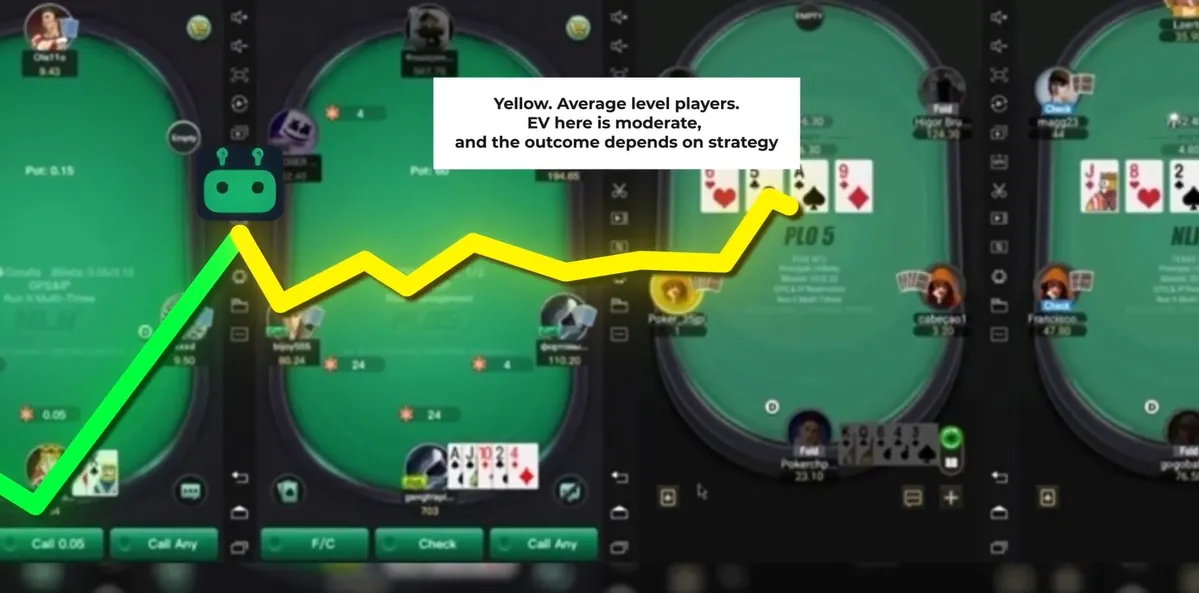
Is the PPPoker bot APK safe?
Install the assistant only from the download button on this page. The file is the vendor's own build, and updates come through the app itself. Do not install copies from file-sharing sites or from Telegram groups that repost APKs, because a modified build can carry anything.
Related software that turns up next to the download, from beta-testing builds on forum threads to bundles that other users are downloading from file hosts, is not the same thing as the vendor's build, even when the name matches.
A simple rule separates real tools from malware: no app can show you other players' cards, because hole cards are dealt on PPPoker's servers and never reach your device. Any APK sold as a card revealer, X-ray or all-in predictor is a scam at best. The anti-cheat guide lists the other warning signs, and the pricing page shows what the real software costs, so you can tell a genuine offer from a fake one.
Download questions
Where do I download the PPPoker bot?
From the download button on this page. It links to the official build of the assistant; no other source is supported.
Can I use PPPoker AI Software on a PC?
Yes, through the LDPlayer Android emulator on Windows. There is no native Windows or macOS version of the assistant.
Do I need root?
Only for the autoclicker inside LDPlayer. On a phone, and in advisor mode where you press the buttons yourself, root is not needed.
Why must I remove the Google Play PPPoker app?
The assistant works with the PPPoker build it installs itself after you enable PPPoker with the slider. The store version is not recognised.
How long does the setup take?
A phone install is a few minutes. LDPlayer takes longer because the emulator instance has to be configured first: 720 x 1280, 2 cores, 3072 MB.
Is there a free trial after installing?
Yes. Write to support on Telegram after registering, and free trial fuel is added to your account for the first hands.
What are the core advantages of installing the automation tool on LDPlayer rather than a phone?
Several PPPoker windows on one screen, a mouse for strategic deployment across private club games, and the autoclicker with root. The phone wins on simplicity: no instance settings, no emulator updates.
Can I keep the assistant installed but play without it?
Yes. Leave the PPPoker slider off, or simply do not open the assistant, and the PPPoker build behaves like an ordinary client.
Get The assistant and your trial fuel
Download the assistant, follow the six steps above, then message support on Telegram for free trial fuel. If anything in the setup does not match this guide, support is online around the clock.